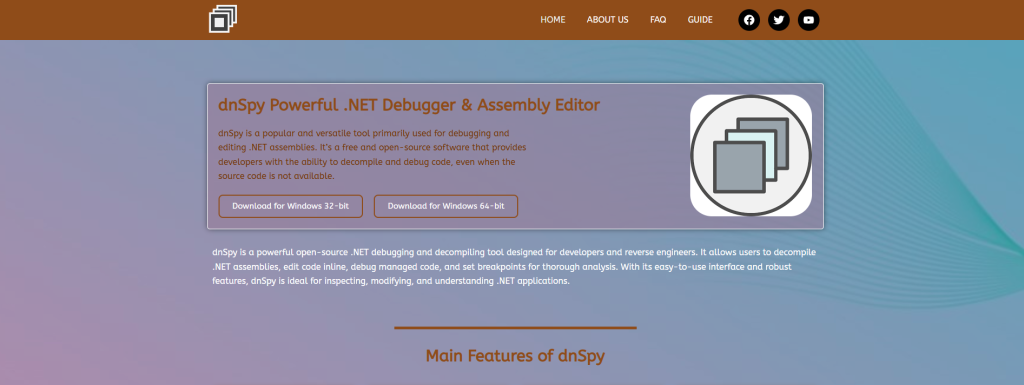
dnSpy is a widely known .NET reverse engineering and debugging tool used to inspect, decompile, and modify compiled applications. While it is popular among developers and security researchers, many users still question its safety and security. Understanding how secure dnSpy software is depends on where it is downloaded from, how it is used, and what risks are involved in handling decompiled code. This article explains the security aspects of dnSpy in a simple and professional way.
Security Overview of dnSpy Software
Open-Source Nature and Transparency
dnSpy is an open-source tool, which means its source code is publicly available for review. This transparency allows developers and security experts to inspect the software for vulnerabilities, making it generally more trustworthy than closed-source alternatives.
Trusted Development History
The original dnSpy project was widely used in the .NET community and gained a strong reputation for debugging and reverse engineering. However, since the original project is no longer actively maintained, security depends on community forks and updated versions.
Source of Download Matters
The security of dnSpy heavily depends on where it is downloaded from. Official or trusted repositories are safer, while unofficial websites may include modified or unsafe versions that could contain malware or unwanted code.
Potential Risks of Using dnSpy
Exposure to Malicious Software
Since dnSpy can open and analyze executable files, users may accidentally inspect malicious software. If proper precautions are not taken, this can expose the system to security risks or unsafe code execution.
Legal and Ethical Concerns
While dnSpy itself is not illegal, using it to decompile or modify protected software without permission may violate licensing agreements or intellectual property laws, depending on the region.
Risk of Modified Builds
Unofficial versions of dnSpy can be modified by third parties. These altered builds may contain hidden malware, spyware, or backdoors that compromise system security.
Best Practices for Safe Use of dnSpy
Download Only from Trusted Sources
To ensure security, dnSpy should always be downloaded from reputable repositories or official community-maintained forks. This reduces the risk of installing compromised versions.
Use in Isolated Environments
Running dnSpy in a virtual machine or sandbox environment helps protect the main system from potential threats when analyzing unknown or suspicious files.
Keep Security Tools Updated
Using updated antivirus software and system protection tools helps detect harmful files that may be opened or analyzed through dnSpy.
FAQs
Is dnSpy safe to install on my PC?
Yes, dnSpy is generally safe if downloaded from trusted sources and used responsibly.
Can dnSpy contain viruses?
The official tool is clean, but unofficial versions may contain malware or harmful modifications.
Is dnSpy legal to use?
Yes, but using it to reverse engineer software without permission may violate laws or software licenses.
Does dnSpy harm your computer?
No, it does not harm your computer directly, but unsafe usage or files can pose risks.
What is the safest way to use dnSpy?
The safest way is to use it in a controlled environment and only analyze trusted or your own software.
Conclusion
dnSpy is a powerful and generally safe .NET debugging and reverse engineering tool when used correctly. Its security depends largely on downloading it from trusted sources and following safe usage practices. While the tool itself is not harmful, risks arise from unofficial builds and unsafe handling of files. With proper precautions, dnSpy can be a reliable tool for developers and security researchers without compromising system security.